AspectRatio
Maintains a consistent aspect ratio for content like images and videos.
import { AspectRatio } from "@ninna-ui/layout"pnpm add @ninna-ui/layoutRequires @ninna-ui/core (auto-installed) + CSS setup.
Usage
Import and use the AspectRatio component in your application.
import { AspectRatio } from "@ninna-ui/layout";
export default function Example() {  return (    <AspectRatio ratio="video">      <img src="/image.jpg" className="object-cover w-full h-full" />    </AspectRatio>  );}
Presets
Built-in aspect ratio presets: square (1:1), video (16:9), portrait (3:4), wide (21:9).
square (1:1)
1:1
video (16:9)
16:9
portrait (3:4)
3:4
wide (21:9)
21:9
Custom Ratio
Use any numeric ratio value (width/height).
1:1
1:1
4:3
4:3
16:9
16:9
2.35:1 (Cinemascope)
2.35:1 (Cinemascope)
With Image
Common use case with responsive images.
Video (16:9)

Square (1:1)
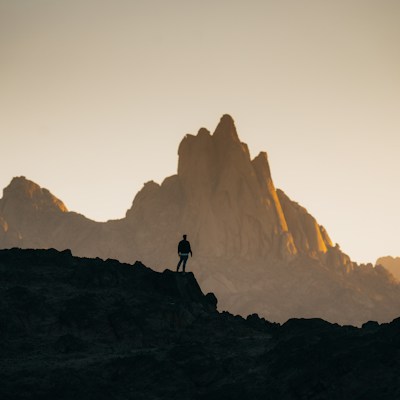
With Video
Embed videos with consistent aspect ratio.
Use Cases
Real-world examples of AspectRatio usage.
Card with Image
Card Title
Card description goes here.
Avatar Grid
A
B
C
D
Map Container
Map Placeholder
API Reference
Complete list of props for the AspectRatio component.
Props
| Prop | Type | Default | Description |
|---|---|---|---|
ratio | number | 'square' | 'video' | 'portrait' | 'wide' | 1 | Aspect ratio as width/height number or preset name |
className | string | - | Additional CSS classes to apply |
style | React.CSSProperties | - | Inline styles to apply |
children | React.ReactNode | - | Content to render inside the aspect ratio container |
Accessibility
- AspectRatio is a layout utility and does not add semantic meaning
- Ensure images inside have proper alt text
- Videos should have captions or transcripts available
- Content remains accessible at all viewport sizes